3x-ui
Disclaimer: This project is only for personal learning and communication, please do not use it for illegal purposes, please do not use it in a production environment
xray panel supporting multi-protocol, Multi-lang (English,Farsi,Chinese)
Install & Upgrade
bash <(curl -Ls https://raw.githubusercontent.com/mhsanaei/3x-ui/master/install.sh)
SSL
apt-get install certbot -y
certbot certonly --standalone --agree-tos --register-unsafely-without-email -d yourdomain.com
certbot renew --dry-run
If you think this project is helpful to you, you may wish to give a 🌟
Default settings
- Port: 2053
- user: admin
- password: admin
- database path: /etc/x-ui/x-ui.db
before you set ssl on settings
- http:// ip or domain:2053/xui
After you set ssl on settings
for enable traffic for users you should do :
xray Configuration :
  "policy": {
    "levels": {
      "0": {
        "statsUserUplink": true,
        "statsUserDownlink": true
      }
    },

    "system": {
      "statsInboundDownlink": true,
      "statsInboundUplink": true
    }
  },
  "routing": {
suggestion system
- Ubuntu 20.04+
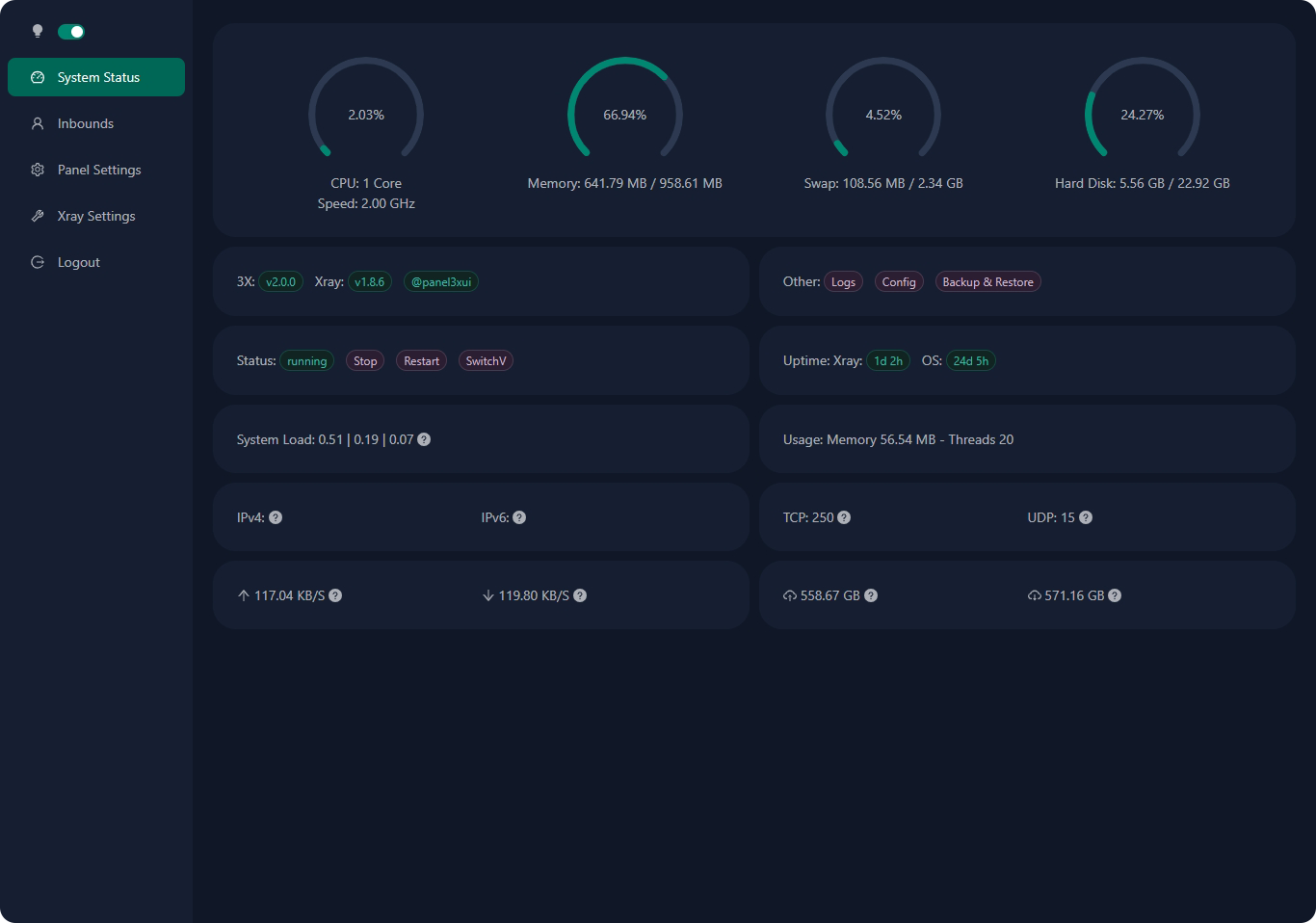
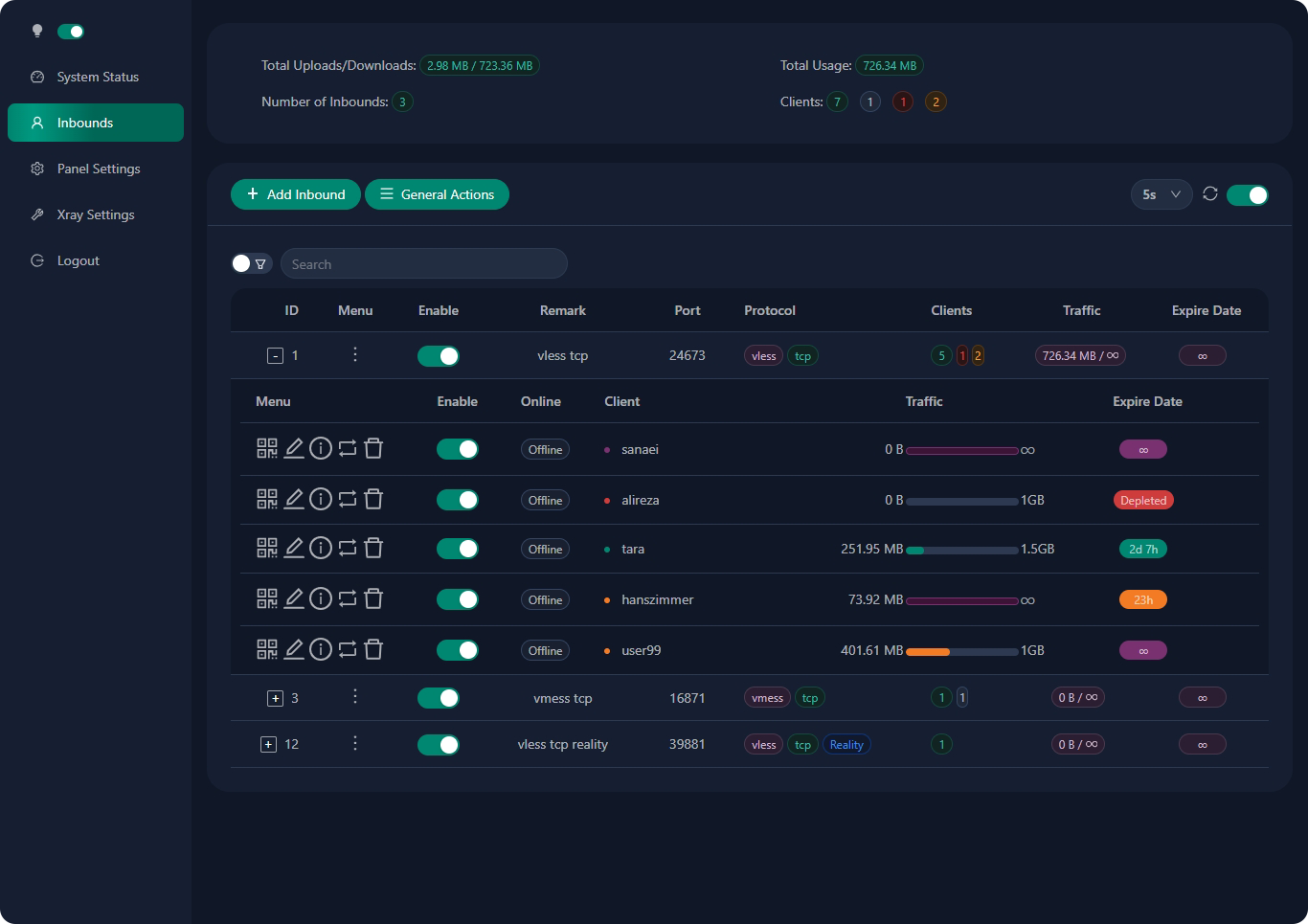
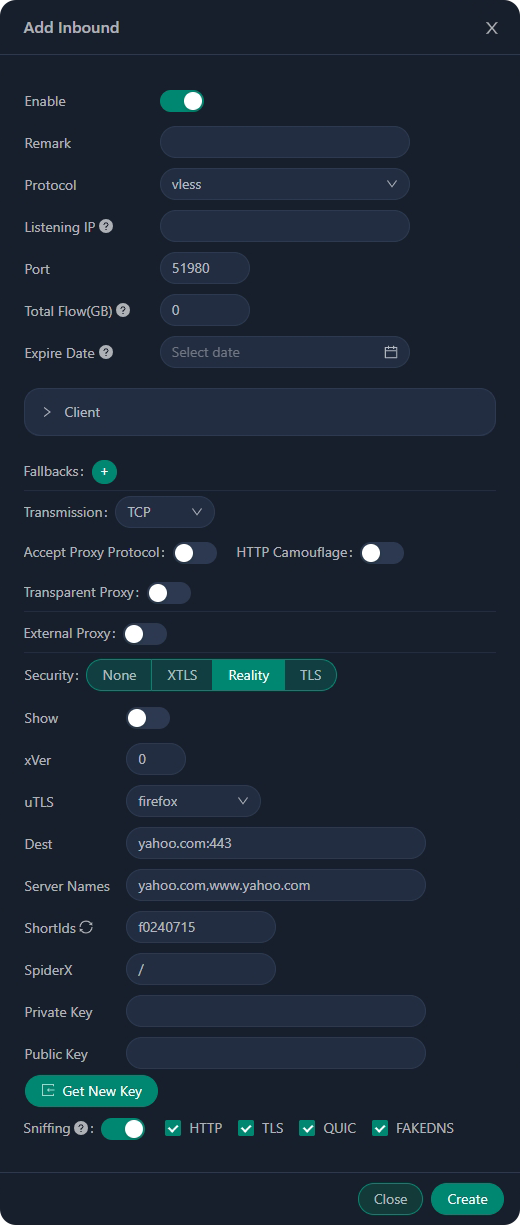
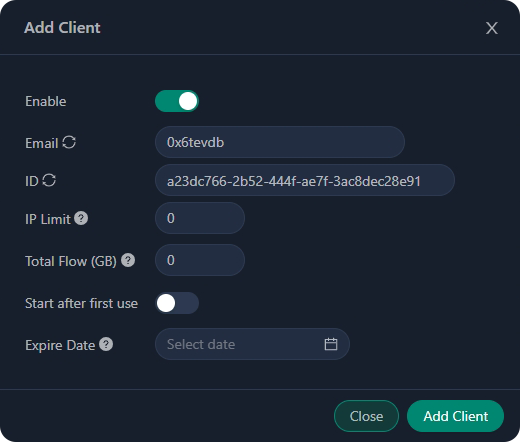
pic
a special thanks to
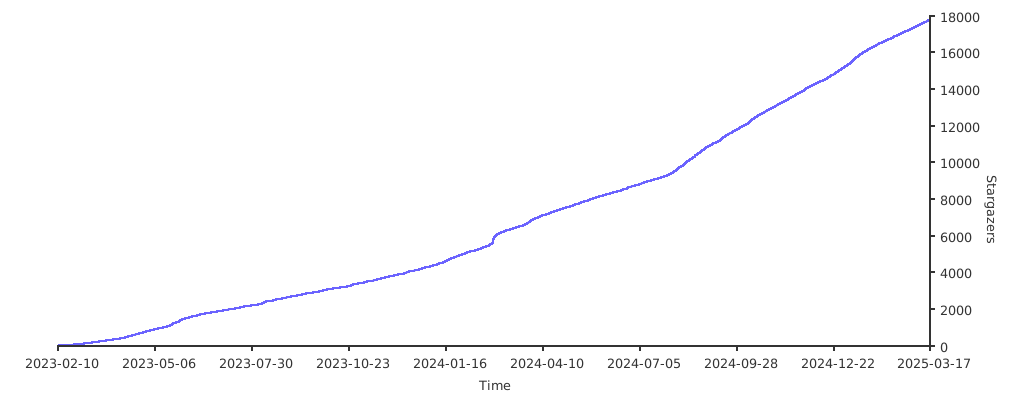
Stargazers over time